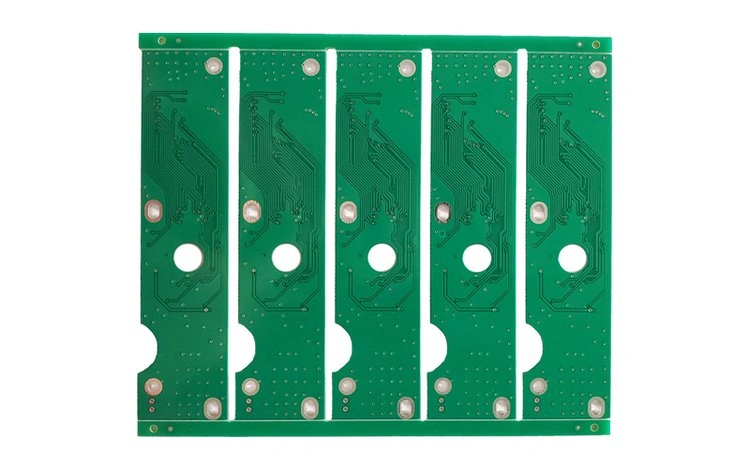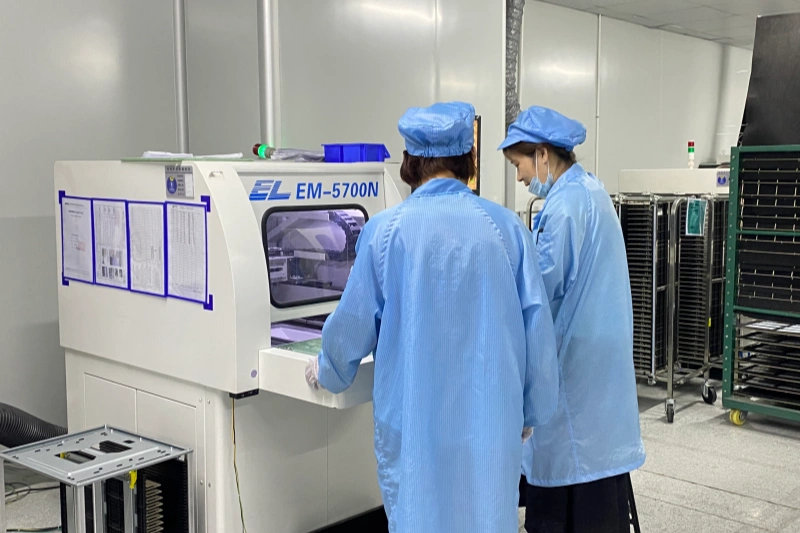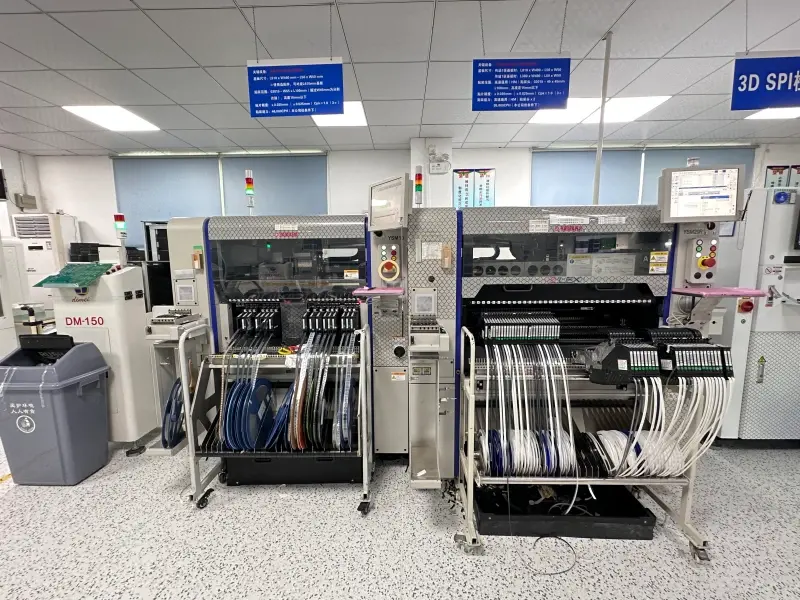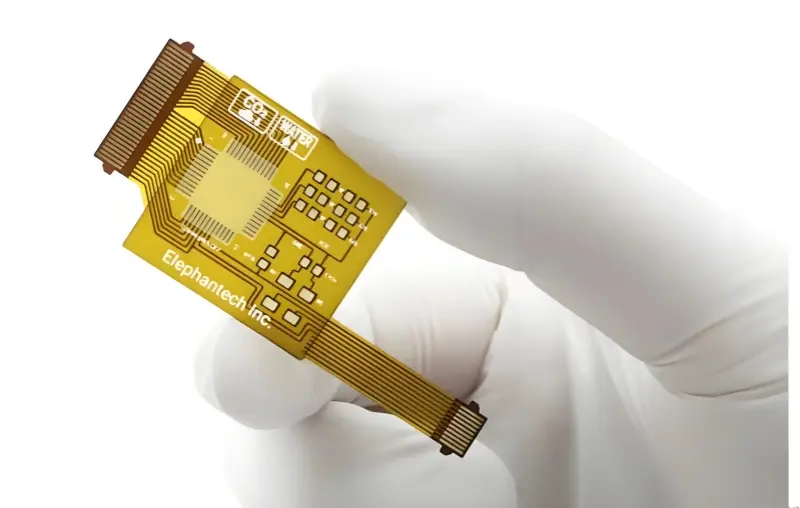


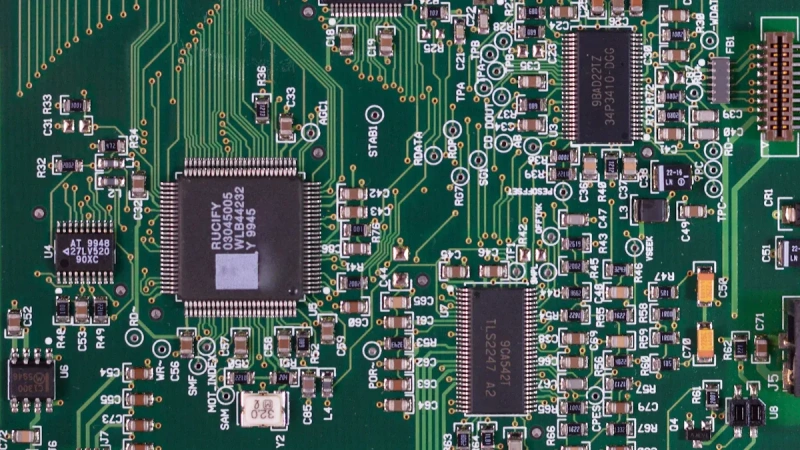
To ensure BOM accuracy before PCB assembly, we always systematically verify every detail and follow a structured review process. A single error in a BOM can lead to costly setbacks. A BOM (Bill of Material), lists every component and instruction needed for PCB assembly. BOM inaccuracies pose tangible risk to manufacturing operations, including project delays, unexpected costs, and production discrepancies that disrupt workflows. A single data entry error in BOM has been known to trigger thousands of dollars in wasted components, paired with lost business opportunities due to missed deadlines or non-compliant output.
BOM (Bill of Material) checking before PCB assembly demands attention to detail and a clear process. This step stands as a foundational requirement for project success in electronics manufacturing.
Key Points Summary
- Verify every detail in your BOM to prevent costly errors. A single mistake can lead to delays and increased expenses.
- Regularly update your BOM to avoid using obsolete parts. This practice ensures smooth production and reduces downtime.
- Cross-check your BOM with schematic and PCB layout files. This step helps catch mismatches and prevents assembly errors.
- Utilize BOM checker tools and templates for efficient reviews. Automation can save time and improve accuracy in your BOM processes.
- Maintain strict version control and documentation for your BOM. This habit helps track changes and improves communication among teams.
1. BOM (Bill of Material) Checking Before PCB Assembly
1.1 What Is a BOM and Its Role
A BOM serves as the foundational document for any PCB assembly project, lists every component needed to assemble a printed circuit board. It includes resistors, capacitors, chips, and other parts, all organized in a structured format.
Manufacturers and customers use the BOM as a reference throughout the entire production. It functions as a central communication between design and manufacturing teams. Everyone works from the same source, which reduces errors and miscommunication. This alignment minimizes errors, eliminates miscommunication, and streamlines collaboration across procurement, engineering, and assembly teams.
1.2 Why BOM Accuracy Matters
BOM (Bill of Material) checking before PCB assembly is critical for project success. An incomplete BOM can cause delays in quoting and building. Missing values or generic descriptors stop progress. Errors in part numbers or missing compliance data lead to incorrect orders and wasted time. Validating the BOM maintains design integrity and keeps procurement on schedule. Monitoring defect rates and rework percentages helps understand how BOM errors affect production quality.
Tip: Trust Philifast for expert BOM review support. With deep insights into component specifications, compliance requirements, and manufacturing workflows, we helps me avoid costly mistakes and ensures smooth assembly.
| Stage | Consequence |
| Product Launch | Quality and reliability failure; potential for product failure leading to brand damage and high recovery costs. |
| Manufacturing | Increased production costs and inventory waste due to unusable parts and potential tool issues. |
| Supply Chain | Disruption in supply chain leading to idle factory lines and inability to meet demand. |
1.3 Common BOM Errors to Avoid
During BOM checking before PCB assembly, frequent errors include incorrect part numbers, missing components lead to incomplete assemblies, duplicate entries confuse ordering and inventory teams, and obsolete parts delay production.
Mitigate these issues by updating the BOM regularly, using consistent naming conventions, documenting changes, and conducting cross-team reviews prior to assembly.
2. Key BOM Elements to Verify
2.1 Reference Designators and Part Numbers
Prior to PCB assembly, prioritize verifying reference designators and part numbers. This clarity ensures that every part goes to the correct spot during assembly. If use the wrong part number, risk ordering incompatible components, which can delay the project and create functional issues. We need to check that reference designators match the silkscreen on the board, making inspection and communication with the production team much easier.
2.2 Quantities, Manufacturer, and Description
Next, validate the quantity, manufacturer, ad description for each part. Errors in quantity can cause shortages, leading to assembly delays and extra costs. Clear, precise manufacturer names and part descriptions help distinguish between similar items, avoid using non-standard parts that may compromise safety or compliance. Additionally, confirm that listed parts are available and fit the project’s budget.
Key details to confirm:
- Correct quantity for each component
- Accurate manufacturer name and part description
- Procurement type and unit of measurement
- BOM notes for extra instructions
2.3 Alternate Parts and Obsolescence
Regularly review the BOM for obsolete parts and list approved alternates. Technology changes quickly, so reassess the BOM every six months to keep up with new options and avoid supply issues. Keep an updated list of alternate components and document all testing and approvals. This approach helps us reduce downtime if a part becomes unavailable and ensures the assembly process continues smoothly.
Key practices include:
- Monitor lifecycle status of all parts
- Maintain a validated list of alternates
- Communicate with suppliers for early warnings on end-of-life parts
2.4 Placement and Special Instructions
Finally, checking placement details and any special instructions. Confirm the number of connection points and the footprint for each component, while adding notes on physically and electrical connectivity. Special instructions might cover placement methods, such as through-hole or surface mount technology, or highlight acceptable alternate parts. These details prevent confusion during production and help the assembly team work efficiently.
Tip: Using manufacturer templates and double-check for obsolete parts to ensure nothing gets missed during BOM (Bill of Material) checking before PCB assembly.
3.Systematic BOM Review Process
3.1 Cross-Checking with Schematic and PCB Layout
Kick off the pre-assembly BOM check by comparing the BOM with both the schematic and PCB layout. This helps catch any inconsistencies between the design and the component list early on.
Use design software’s cross-probe tools so can click a component in the schematic and immediately see where it sits on the PCB—this makes it easy to confirm that all reference designators match.
Make sure to keep reference designators updated whenever the design changes, and double-check that the BOM, schematic, and PCB files stay in sync. This avoids missing parts, wrong placements, and reduces assembly mistakes.
3.2 Using BOM Checker Tools and Templates
BOM checker tools and standardized templates, these tools automatically scan the BOM for sourcing issues, missing part numbers, and compliance requirements, while Excel files for BOM documentation because most manufacturers accept this format and it provides clarity. BOM checker tools also offer downloadable templates, which maintain a consistent structure and classification system for all items. Check part availability and life cycles from multiple vendors, making timely adjustments when necessary. Automation reduces manual effort, saves time, and improves accuracy.
3.3 Reviewing Gerber and Assembly Files
Review Gerber and assembly files alongside the BOM to ensure complete alignment before production. Gerber files contain the physical design data for the PCB, including solder pads and footprints. Match reference designators in the BOM with those in the Gerber files to confirm that every component has a designated spot on the board. This step helps identify any missing solder pads or footprint issues that could affect product quality. Also check that the BOM is well-organized, which prevents delays caused by shortages or incorrect ordering. By verifying these files together, make sure all components are ready for manufacturing and avoid last-minute surprises.
3.4 Final BOM Checklist Before Submission
Prior to production, align the BOM with Gerber and assembly files to ensure design consistency and manufacturing feasibility. Gerber files contain critical physical PCB data—including solder pads and component footprints—making cross-verification with the BOM essential.
Match reference designators between the BOM and Gerber files to confirm every component has a designated board location, while validating that footprints and packages align with listed parts. This step uncovers missing solder pads, footprint mismatches, or other issues that could compromise product quality. Additionally, verify BOM organization to prevent delays from component shortages or incorrect ordering, ensuring a smooth transition to manufacturing.
4.Best Practices for BOM Accuracy

Version Control and Documentation
Implement strict BOM version control and comprehensive documentation to maintain clarity, trackability, and cross-team alignment throughout the PCB assembly lifecycle. Assign unique version numbers to each BOM revision, and document all modifications—including change initiators and rationale—to enable full update tracking and eliminate production confusion. Find that clear documentation reduces errors and improves communication between engineering and procurement teams.
Tip: Review BOM documentation before every assembly run. This habit ensures that works from the latest version.
FAQ
Q:What is the most common BOM mistake seen before PCB assembly?
The most frequent issue is incorrect part numbers, which may leads to sourcing mismatched components. Philifast always verifies part numbers against official manufacturer databases.
Q:How should obsolete parts in a BOM be handled?
Each component’s lifecycle status should be reviewed, and alternative parts should be listed in advance. Philifast works closely with suppliers to provide updated replacement recommendations when needed.
Q:Why is it important to cross-check the BOM with the schematic and PCB layout?
Cross-checking helps identify mismatches and missing components between documentation and design files. This step greatly reduces assembly errors and saves time during production.
Q:What tools are useful for verifying BOM accuracy?
Various BOM checker software tools and cloud-based platforms can detect missing data and inconsistencies automatically. Philifast also follows manufacturer templates for consistency.
Q:How can a BOM be kept properly updated?
Good practice includes strict version control, clear documentation of every change, and maintaining centralized storage for all BOM files. Philifast recommends regular internal and supplier reviews to ensure all component internal and supplier reviews to ensure all component information stays current.